Enterprise Edition
The Enterprise Edition manual explains the commercial operations layer added on top of the Community Edition baseline. EE operators should understand the shared CE installation and user guides first, then use this section for license, HA, external authentication, MCP, anomaly analysis, resource relations, log evidence, and audit workflows.
Operations Pages
- Enterprise Installation and Deployment
- License and Entitlement
- HA Operations
- External Authentication
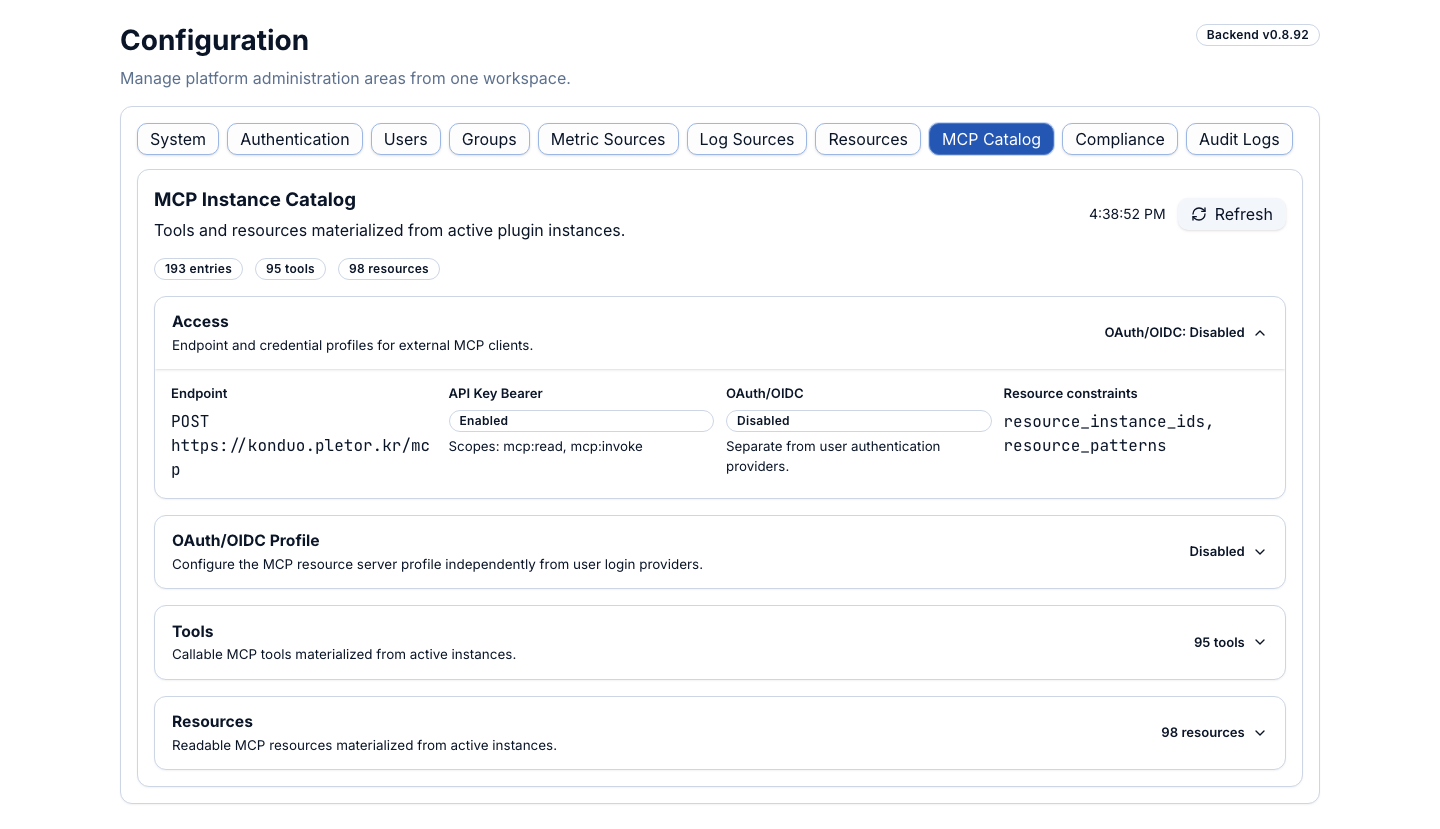
- MCP Operations
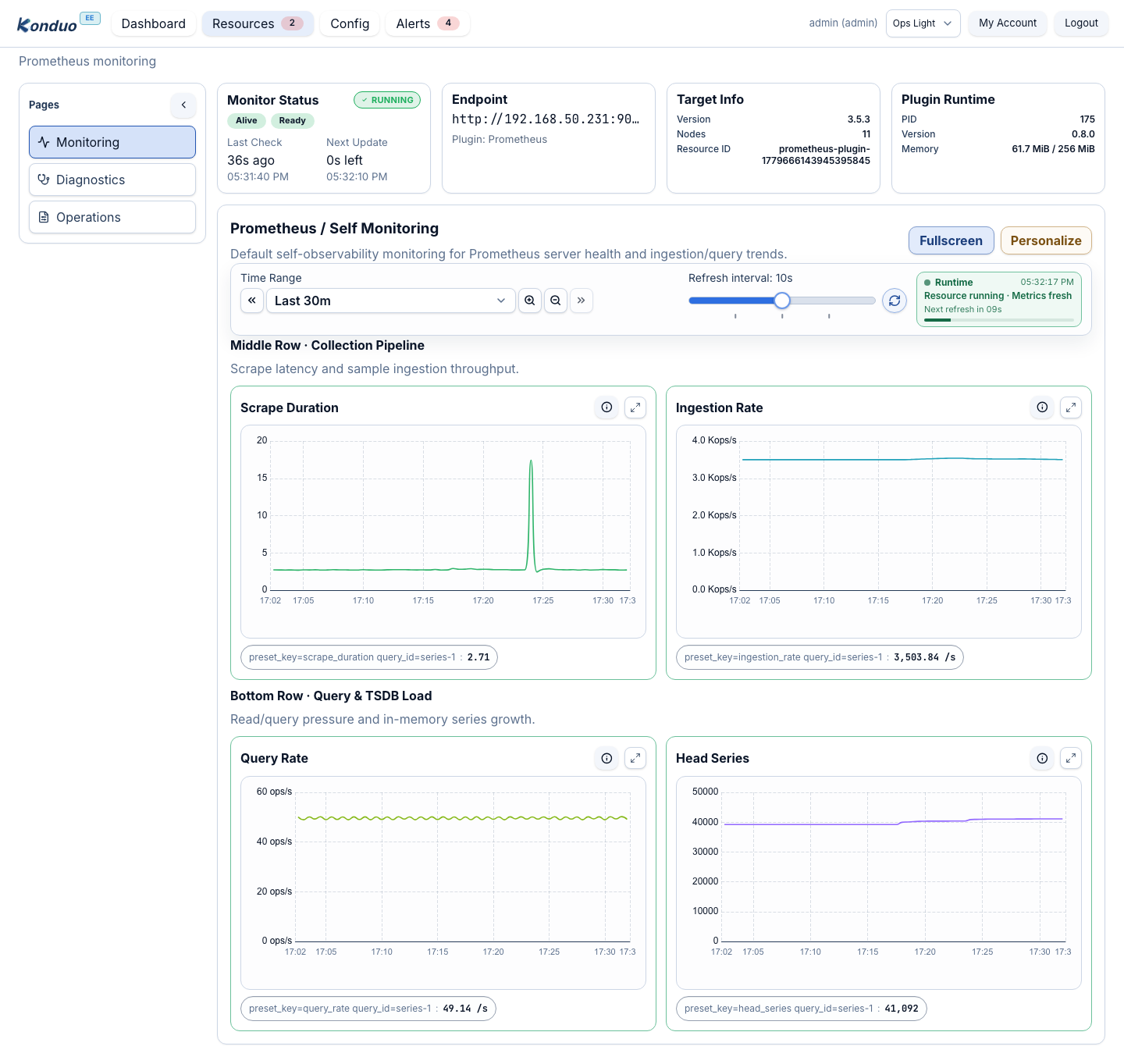
- Anomaly Analysis
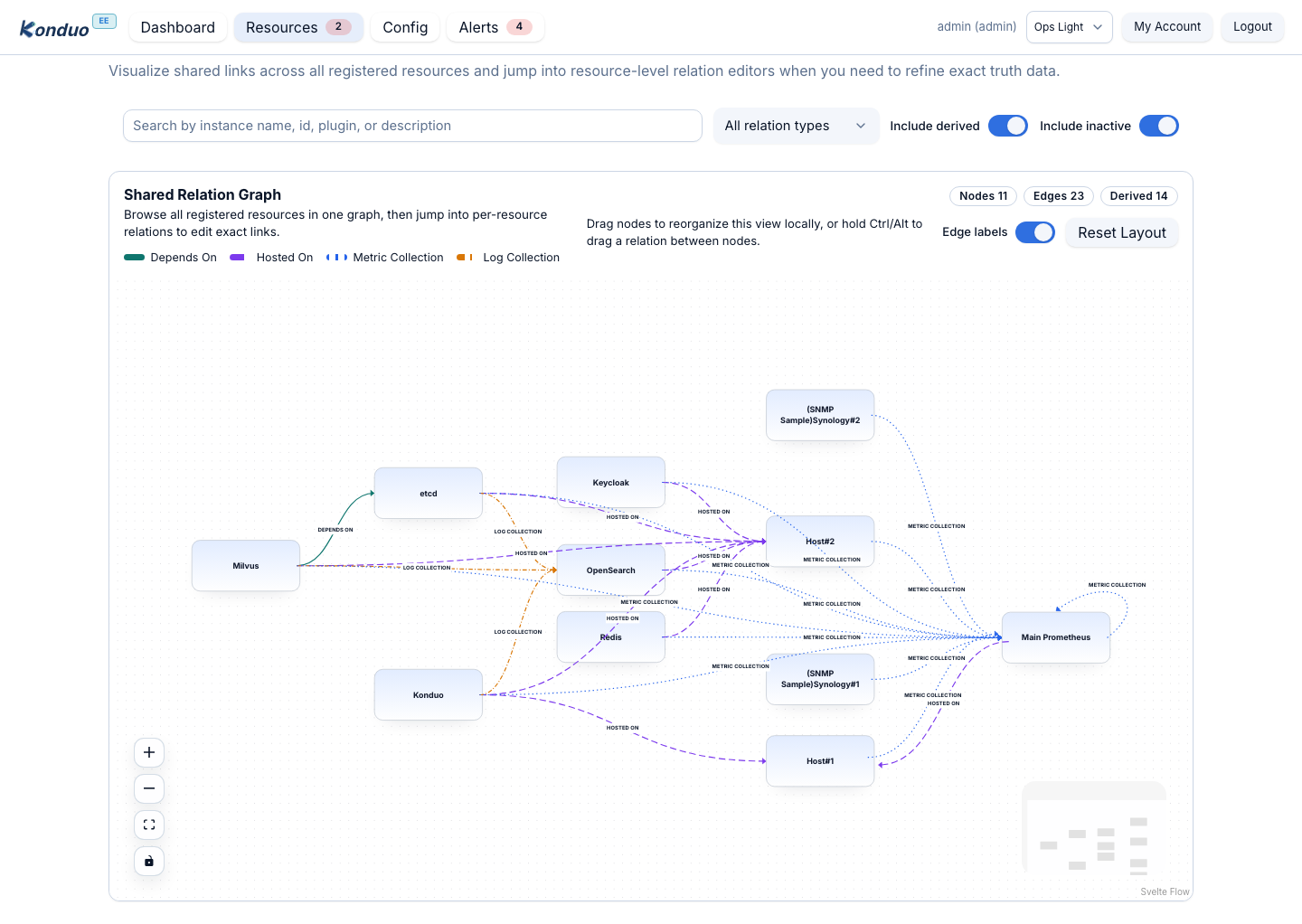
- Resource Relation Graph
- Log Evidence and Correlation
- Audit and Compliance
- Overlay Model
Differences From CE
| Area | Community Edition | Enterprise Edition |
|---|---|---|
| Deployment unit | Community backend, frontend, and CE manual | Enterprise backend, frontend, EE manual, and license bootstrap artifact |
| Authentication | Local users and groups | External authentication providers combined with local RBAC |
| Availability | Single control-plane operations | HA coordination, node state, and leader/standby visibility |
| Analysis | Dashboards, alerts, and plugin diagnostics | MCP context, anomaly rules, log evidence, and relation analysis |
| Audit | Basic operational history | Advanced audit, permission boundaries, and compliance evidence |
First Operations Sequence
- Use Enterprise Installation and Deployment to pin the EE product images, EE manual image, and license bootstrap artifact to the same release.
- Use License and Entitlement to confirm license state and enabled capabilities.
- Keep a recovery local administrator before connecting External Authentication.
- Use HA Operations to confirm node ID, peer URL, and leader state.
- Enable MCP Operations, Anomaly Analysis, and Resource Relation Graph in that order.
Screen Examples